
Fortnite Cheats
Fortnite cheats for PC: aimbot, box ESP, skeleton, health ESP, radar, loot visibility, cloud DMA, and HWID spoofer.

At a glance
Key capabilities
What Fortnite focuses on before you open the full module list.
Plus 42 additional modules in the operator portal—see the full list below.
Overview
Built around a full Fortnite operator workflow
How this build fits ranked, Turbo, and patch-day workflows.
Fortnite cheats ships as one product: Fortnite aimbot, box ESP, skeleton, health ESP, radar with player and bot locations, category loot visibility, cloud DMA, and an HWID spoofer option.
Modules live in the portal so you can tune smoothing, FOV, colors, and stream-proof mode before you queue. Check the status banner on cheatsfortnite.org after every Easy Anti-Cheat update.
Fortnite cheats is one PC build: aimbot, box ESP, skeleton, health ESP, radar with player and bot locations, category loot visibility, cloud DMA, and an HWID spoofer option.
Aimbot + ESP in one loader
Weapon configs, prediction, hitbox, FOV, and triggerbot sit next to box, skeleton, radar, and item ESP. Stream-proof mode hides overlays from OBS. Test in Creative, then queue Battle Royale or Ranked.
Included modules
Box ESP, skeleton ESP, team ID, radar, item ESP by rarity, aimbot, triggerbot, cloud DMA, battlemode, VSync, and HWID spoofer option. Battle Royale and Ranked presets ship in the portal.
Utilities
Need hardware rotation or account recovery? Pair this build with [HWID Spoofer](/products/fortnite-cheats/hwid-spoofer/), [UGC](/products/fortnite-cheats/ugc/), or [Skin Changer](/products/fortnite-cheats/skin-changer/).
Modules
What's included
Every module and overlay shipped with Fortnite—toggle and tune in the operator portal.
- Box (Corner Box, Full Box)
- Skeleton (Bezier, Sharp)
- Team ID
- Separate TeamID Color
- Distance
- Held Weapon
- Show Team
- Show NPC
- Filled Box
- Show Kills
- Snaplines (Center, Top, Bottom)
- Visible Color
- Hidden Color
- Knocked Color
- Team Color
- NPC Color
- Target Color
- Text Color
- Skeleton Color
- Hidden Skeleton Color
- Radar Enabled
- Radar Team Visualizer
- Radar Distance Visualizer
- Radar Background Alpha
- Radar Player Size
- Radar Render Radius
- Radar Render Distance
- Radar Background Color
- Radar Enemy Color
- Radar Team Color
- Radar Automatic Distance Scaling
- Radar Orientation Lock
- Item ESP Enabled
- Item Config (Materials, Uncommon, Rare, Epic, Legendary, Exotic)
- Show Item
- Item Color
- Show Amount
- Show Rarity
- Show Distance
- Item Max Distance
- Weapon Configs for each type of weapon
- Aimbot Enabled
- Aimbot Prediction
- Aimbot Hitbox (Head, Neck, Chest, Pelvis)
- Aimbot Smoothing
- Aimbot Deadzone
- Weapon Aim FOV
- Aimbot Max Distance
- Triggerbot Enabled
- Triggerbot Hitbox (Head, Neck, Chest, Pelvis)
- Triggerbot Delay
- Draw FOV
- Filled FOV
- Visible Check
- Ignore Wounded
- Ignore Team
- Aimbot Keybind
- Aimbot Keybind #2
- Triggerbot Keybind
- Battlemode Toggle
- Configs
- VSync Toggle
- Cloud DMA
- HWID Spoofer option
- Health ESP
- Cloud config backup
- Patch auto-updater
Experience
In the client · After you buy
Use the screenshots above for Fortnite—below is what each layer means and how access works after checkout.
In-game layers
- Layer A
Skeleton ESP
Box and skeleton overlays on players in an open fight.
- Layer B
Player ESP
Name, distance, and health readouts on players behind cover.
- Layer C
Wall ESP
Box ESP and loot markers visible through cover in Battle Royale.
- Layer D
Aimbot FOV
Scoped weapon FOV circle with live tracking in a Fortnite fight.
- Layer E
Radar
Radar with player and bot locations over a farm POI.
- Layer F
Item ESP
Rarity-colored loot labels for chests, weapons, and materials.
- Layer 7
Operator menu
Aimbot, triggerbot, and ESP toggles in the in-game overlay.
Guides
Learn more about Fortnite
Curated articles for setup, tuning, and patch-day checks that match this product.
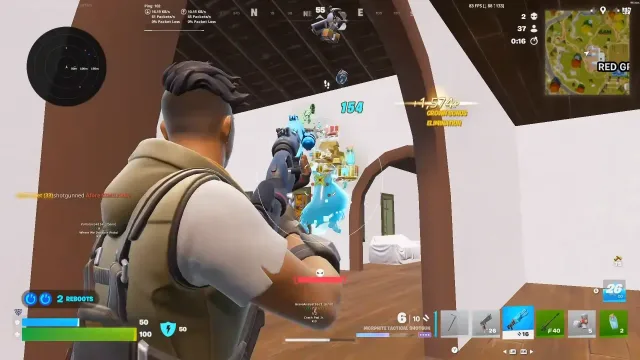
A 2026 snapshot of Fortnite cheats: ESP, aimbot, DMA, Easy Anti-Cheat checks, and how Lite, Pro, and Elite stacks differ.
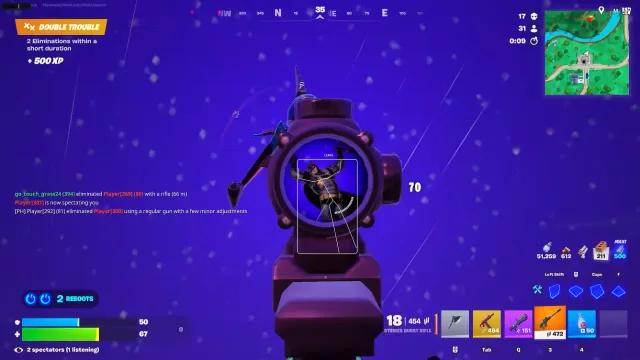
Fortnite aimbot guide covering weapon configs, hitboxes, prediction, FOV, smoothing, and triggerbot delay on Pro and Elite.
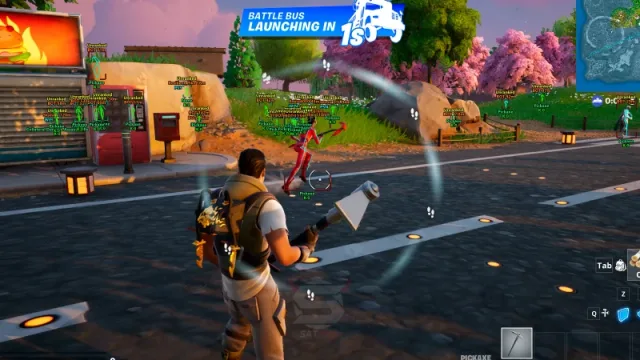
Fortnite ESP guide for boxes, skeletons, team ID, snaplines, and color filters used in Battle Royale fights.
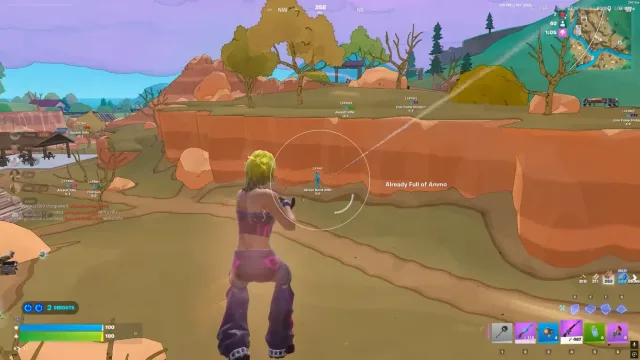
Fortnite DMA explained in plain terms: PCIe memory reads, a second PC, Easy Anti-Cheat, and why IOMMU showed up in tournament rules.
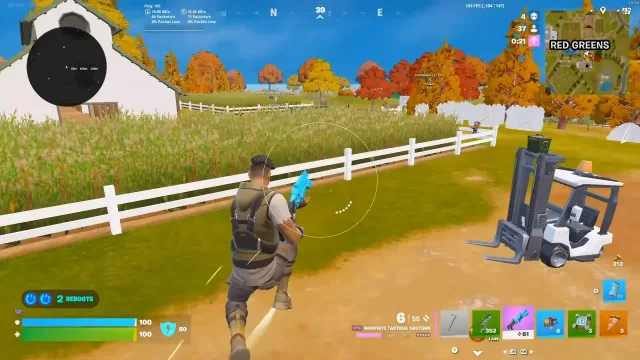
Fortnite radar guide for team colors, distance marks, render radius, orientation lock, and overlay size.
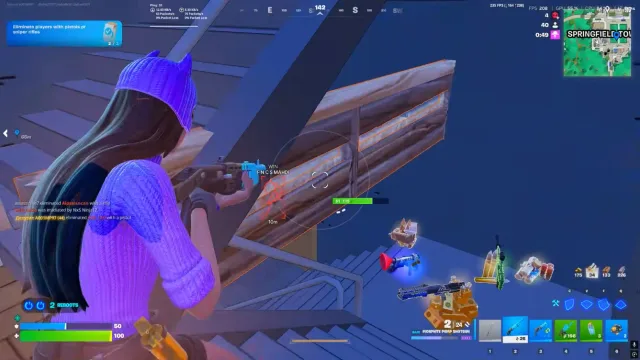
Fortnite item ESP for rarity filters, materials, amounts, and max distance so floor loot stays readable.
FAQ
Questions about this page
Answers tied to what you are reading—visit the FAQ page for every topic.